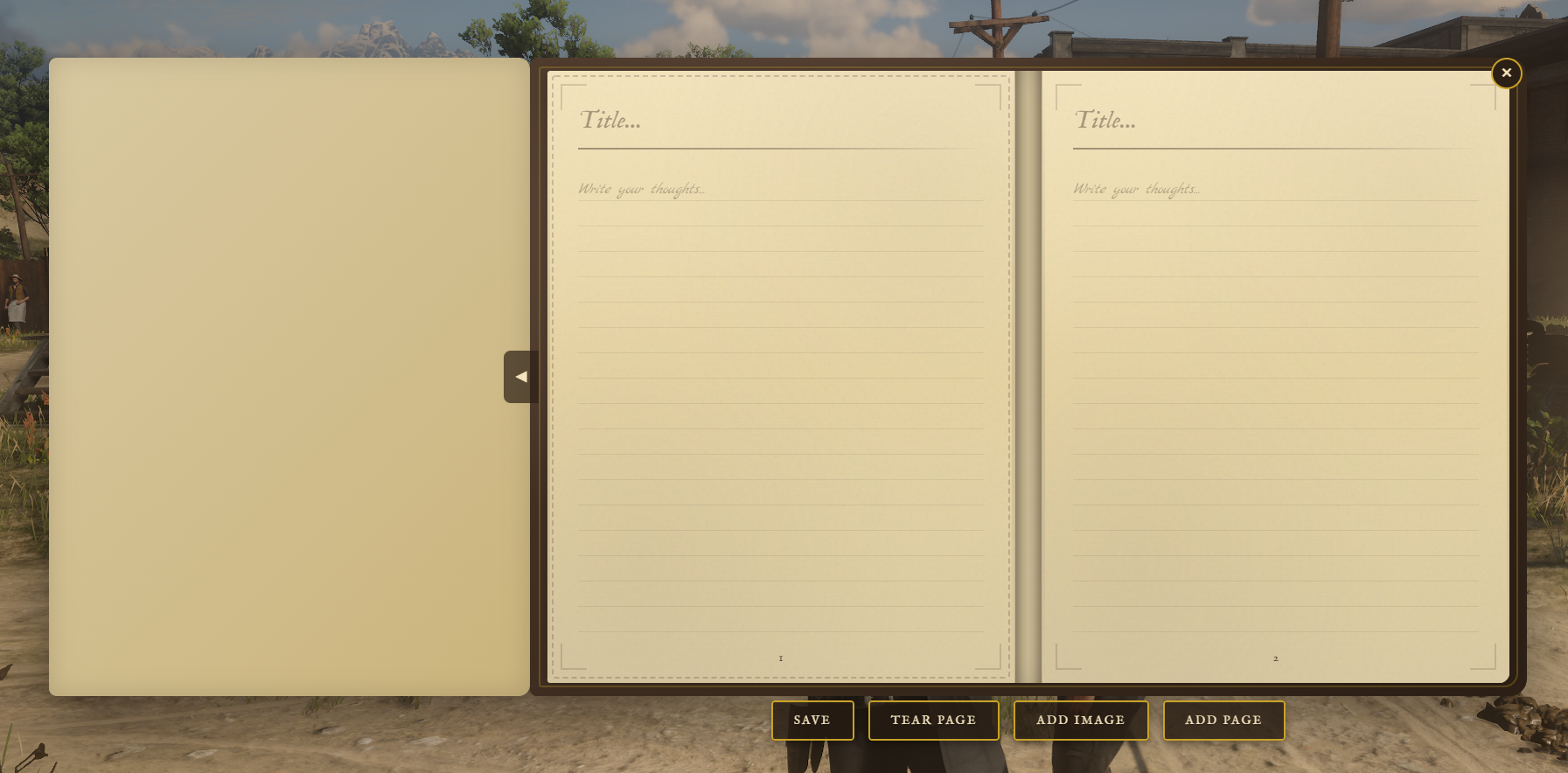
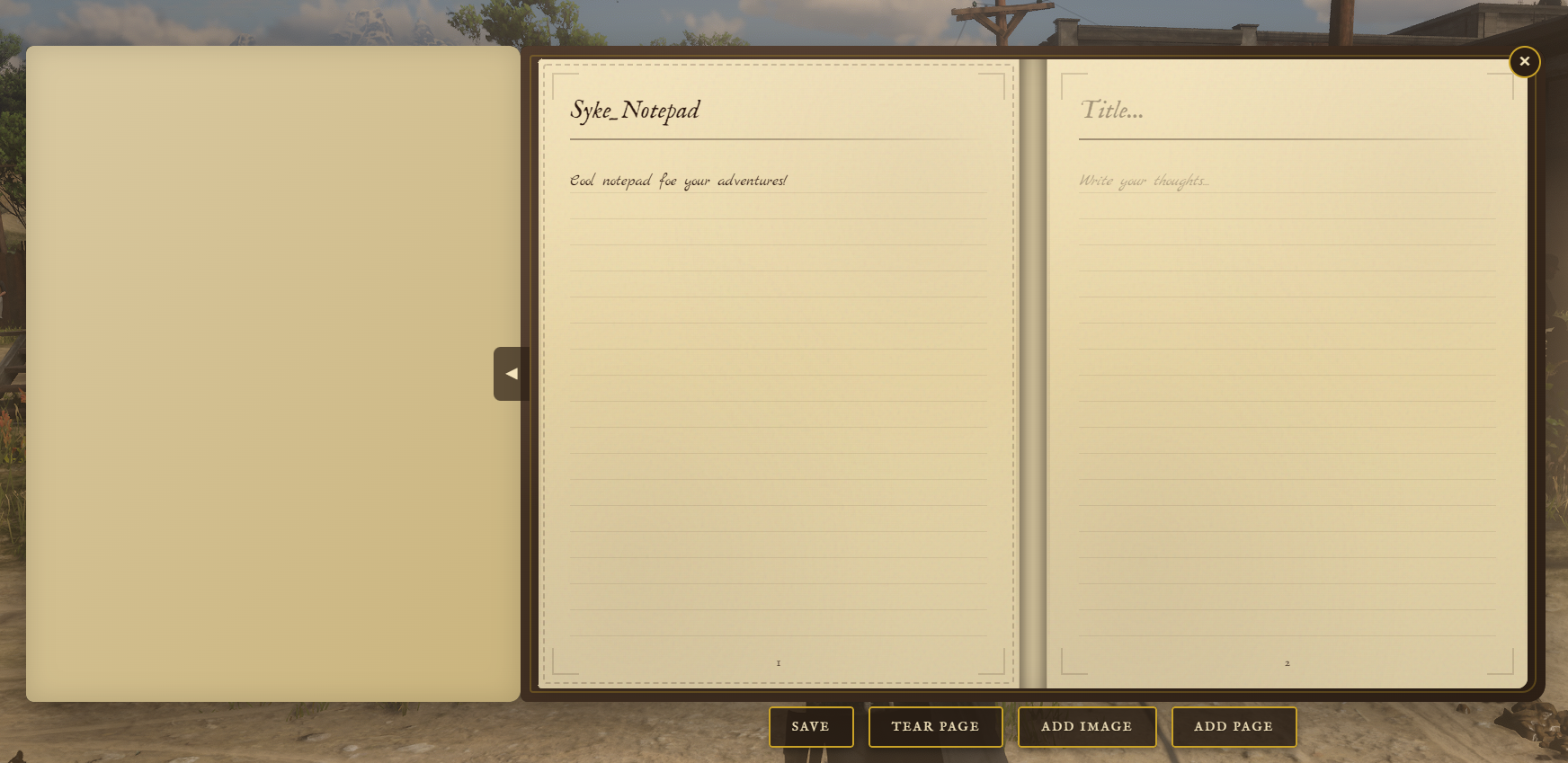
## ✨ Features
### 📖 Core Functionality
- **Personal Notebook System** - Each player gets their own persistent notebook that saves automatically
- **Multi-Page Support** - Up to 50 pages per notebook with easy navigation
- **Rich Text Editing** - Write detailed notes, journal entries, and documentation
- **Page Titles** - Organize your content with custom page titles
- **Auto-Save** - Automatic saving ensures no data is lost
### 🖼️ Image System
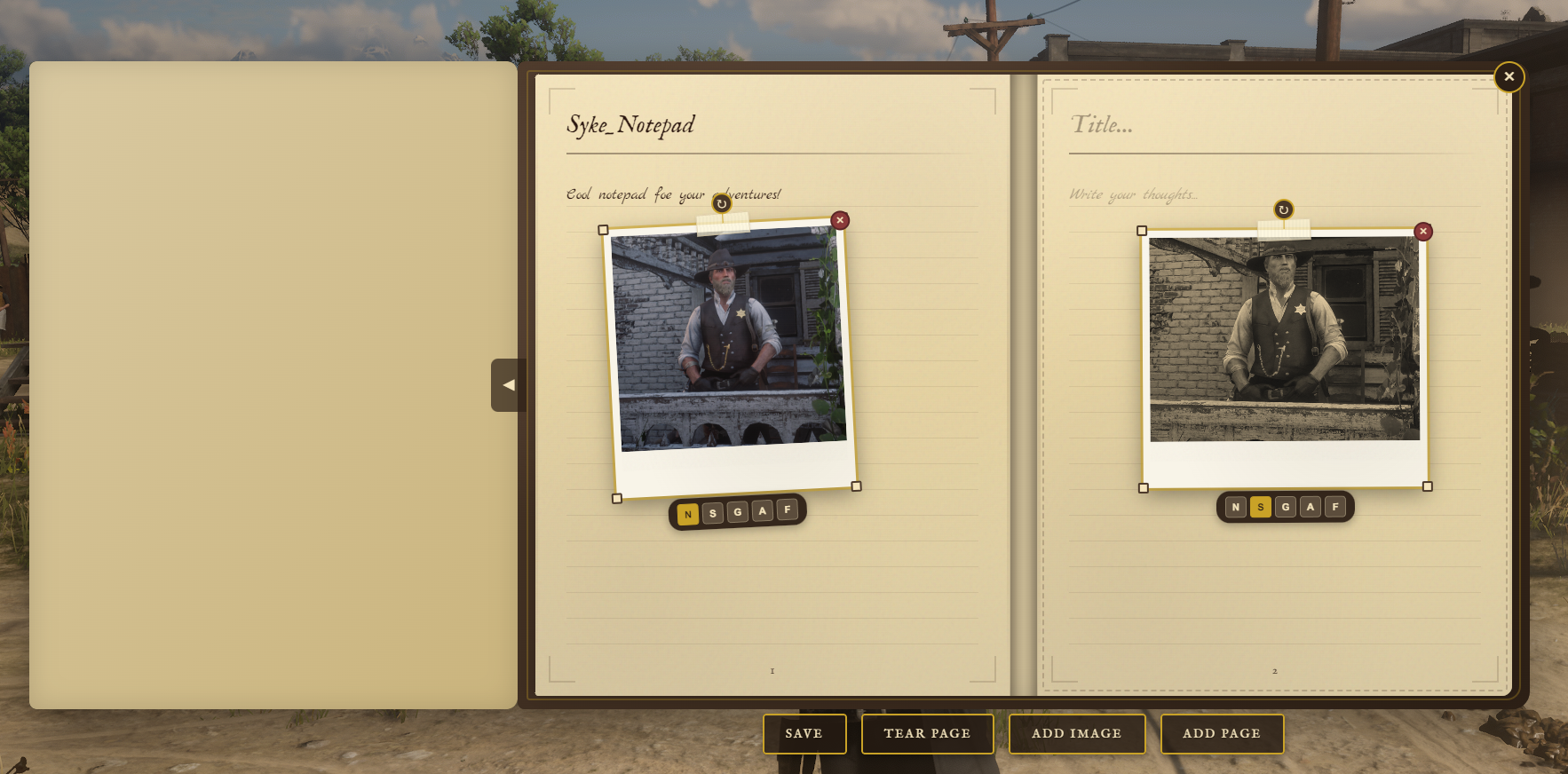
- **Image Integration** - Add up to 5 images per page
- **Drag & Drop** - Freely position images anywhere on the page
- **Resize & Rotate** - Full control over image size and rotation
- **Image Filters** - Apply authentic vintage filters:
- None (original)
- Sepia (classic aged photo)
- Grayscale (black & white)
- Aged (worn photograph)
- Faded (sun-bleached)
- **Realistic Presentation** - Images appear with photo frames and tape effects
### 📄 Page Management
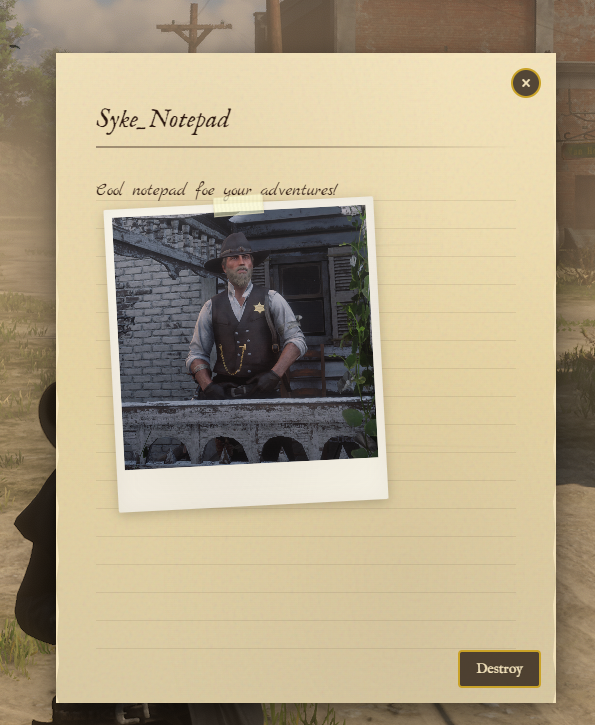
- **Page Ripping** - Tear out pages to create individual "note page" items
- **Add New Pages** - Dynamically add pages as needed (up to max limit)
- **Page Navigation** - Easy left/right page flipping with smooth animations
- **Page Indicators** - Always know which page you're on
### 🎨 Immersive UI Design
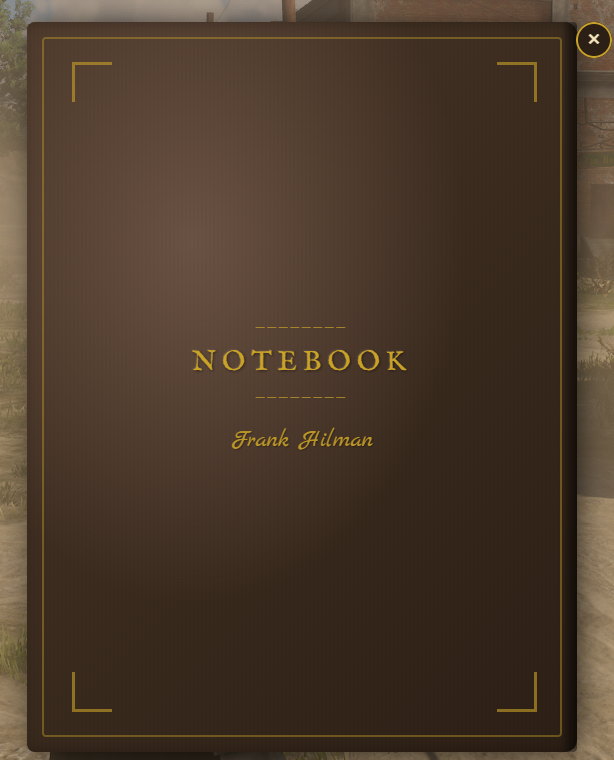
- **Western Aesthetics** - Authentic leather-bound book appearance
- **Realistic Textures** - Parchment pages, leather cover, and binding details
- **3D Book Animation** - Smooth opening/closing animations
- **Owner Name Display** - Personalized with character name on cover
- **Interactive Cover** - Click to open hint and realistic book spine
- **Book Open/Close** - Satisfying book opening and closing sounds
\
\
### 🎭 Roleplay Features
- **In-Game Animation** - Character performs writing/reading animation while using notepad
- **Torn Page Items** - Ripped pages become transferable items that can be given to other players
- **Character Persistence** - Notebooks are tied to character ID (citizenid)
- **Owner Information** - Each page tracks its original owner
### 🛠️ Technical Features
- **MySQL Database Integration** - Persistent storage with oxmysql
- **Optimized Performance** - Built with React and optimized for minimal resource usage
- **Highly Configurable** - Extensive config.lua for customization
- **Debug Mode** - Built-in debugging for troubleshooting
- **Modern Stack** - React + TypeScript UI with Lua backend
---
## 📋 Requirements
- **Framework:** RSG-Core (RedM)
- **Database:** MySQL (via oxmysql)
- **Dependencies:**
- `ox_lib`
- `oxmysql`
- `rsg-core`
- `rsg-inventory`
---
## 🚀 Installation
1. **Download** the `syke_notepad` resource
2. **Extract** the folder to your server's `resources` directory:
```
resources/[standalone]/syke_-notepad/
```
3. **Add to server.cfg**:
```cfg
ensure ox_lib
ensure oxmysql
ensure rsg-core
ensure rsg-inventory
ensure syke_notepad
```
4. **Database Setup** - Tables are created automatically on first run:
- `player_notebooks` - Stores all player notebook data
- `torn_pages` - Stores ripped pages
5. **Add Item to Inventory** (rsg-inventory):
Add to `rsg-inventory/config/config.lua` or your items file:
## 📝 Support & Updates
### Troubleshooting
**Notepad won't open:**
- Check that all dependencies are started
- Verify server.cfg load order
- Check F8 console for errors
**Database issues:**
- Ensure oxmysql is properly configured
- Check MySQL connection string
- Verify database user has CREATE TABLE permissions
**Images not appearing:**
- Verify image URLs are accessible
- Check image format compatibility
- Review max image settings in config
**Performance issues:**
- Reduce max pages if needed
- Limit images per page
- Check for conflicting resources
### Debug Mode
Enable debug mode in `config.lua`:
```lua
Config.Debug = true
```
This will print useful information to the server console.
---
## 📜 License & Terms
**License:** This resource is sold as-is for use on a single RedM server.
**Terms:**
- ✅ Use on ONE server instance
- ✅ Modify for personal use
- ✅ Customize UI and configuration
- ❌ Resell or redistribute
- ❌ Share with other servers
- ❌ Claim as your own work
---
Youtube: https://youtu.be/nLNrvvwTvbo